





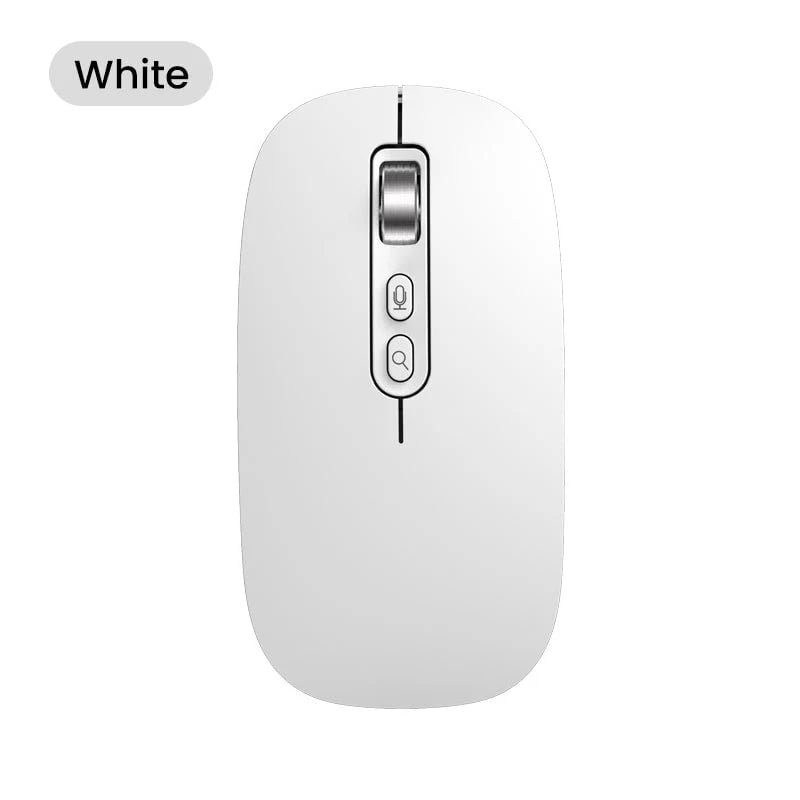

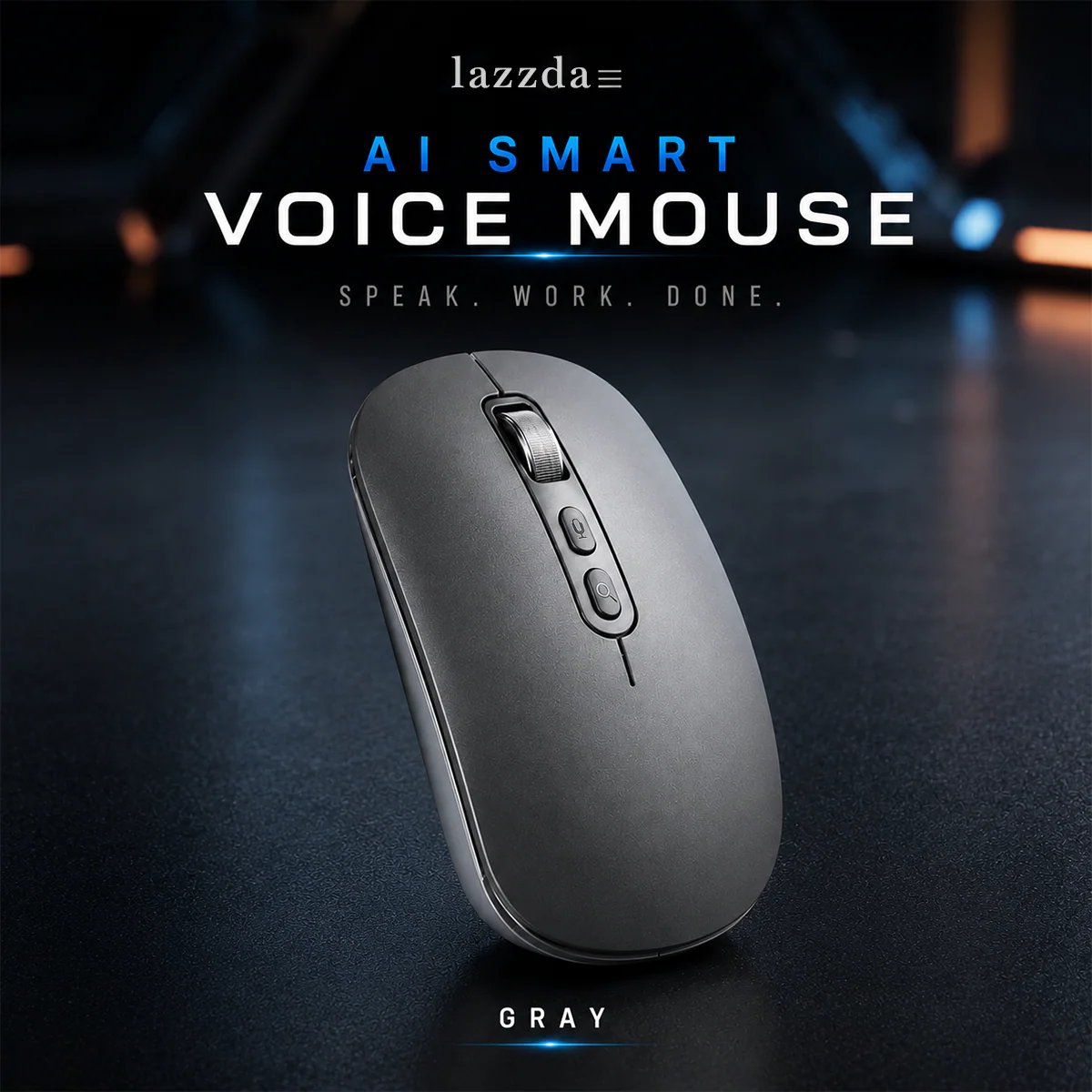



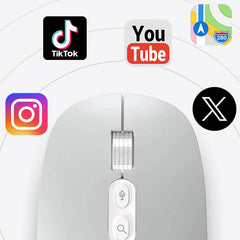


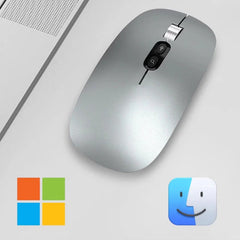


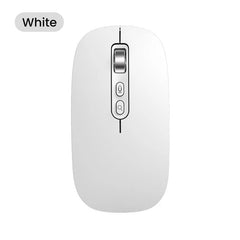



Wireless AI Smart Voice Mouse
- $38.99 USD
$39.99 USD- $38.99 USD
- Unit price
- per
-
Enjoy free shipping on orders over $50. Orders are processed within 1–3 business days and typically arrive within 7–15 business days.
-
We work with trusted international shipping partners to deliver orders worldwide.
-
Tracking information will be sent by email once your order ships, and you'll receive updates at key stages of transit until your package arrives.
Shop with confidence! We offer a 30-day return and exchange policy from the date you receive your order.
If you're not completely satisfied with your purchase, please contact our customer support team for assistance.
For return or exchange requests, please email us at support@householdchoose.com.
✨ Turn Your Voice Into Faster Everyday Actions
Type, translate, search and navigate with fewer clicks using AI-powered voice functions designed for work, study and daily browsing.

😣 Too Many Clicks, Too Much Repetitive Typing
When daily computer tasks pile up, switching between typing, translating and searching can slow your flow.
Why a Basic Mouse Can Feel Limiting
Traditional mice handle pointing and clicking, but they do not help with voice typing, quick translation or screenshot text extraction when you need to move faster.
🔥 Four Reasons It Stands Out
Four practical upgrades bring voice input, translation, fast navigation and flexible wireless connection into one device.
01
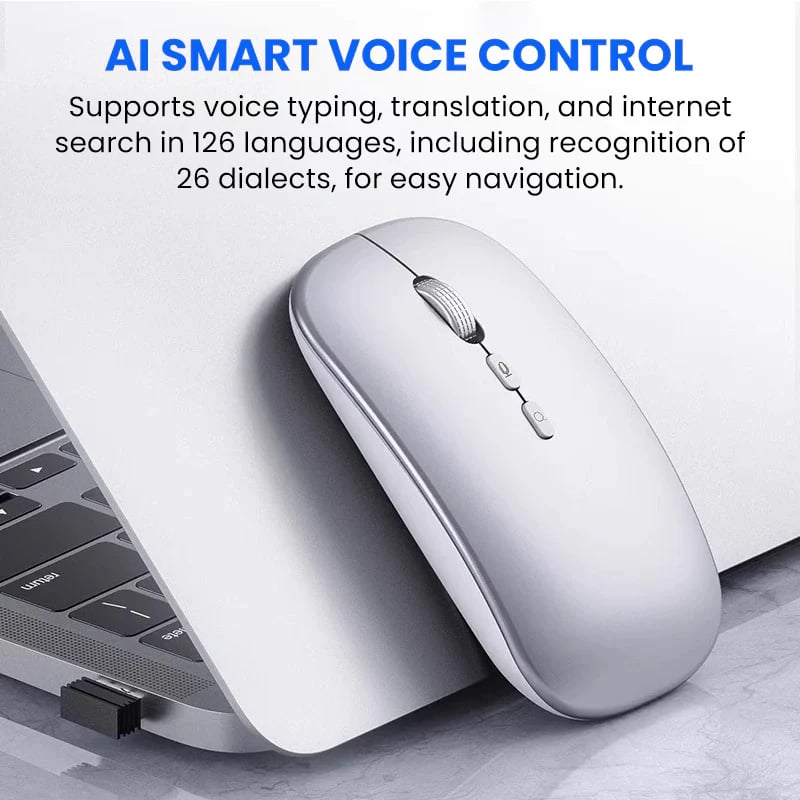
AI Smart Voice Control
Use voice typing, translation and internet search with support for 126 languages and recognition of 26 dialects.
02
One-Click Screenshot Translation
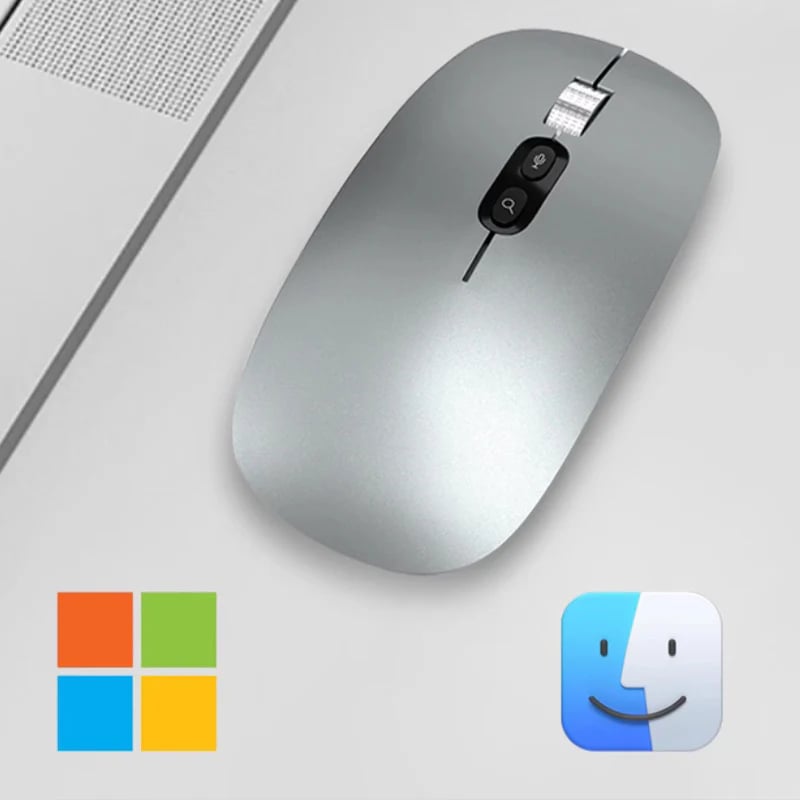
Capture a screenshot with one click to extract text or translate foreign-language content into your preferred language.
03
4K High-Refresh Cursor
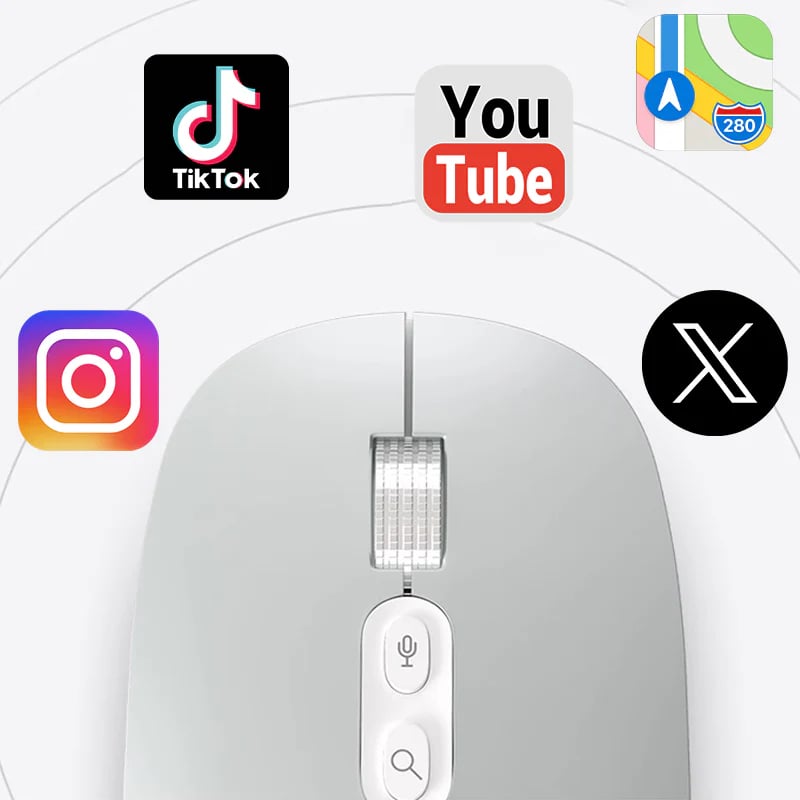
Enjoy smooth, responsive cursor movement plus a dedicated middle search button for faster web access and everyday productivity.
04
Bluetooth + USB Connectivity
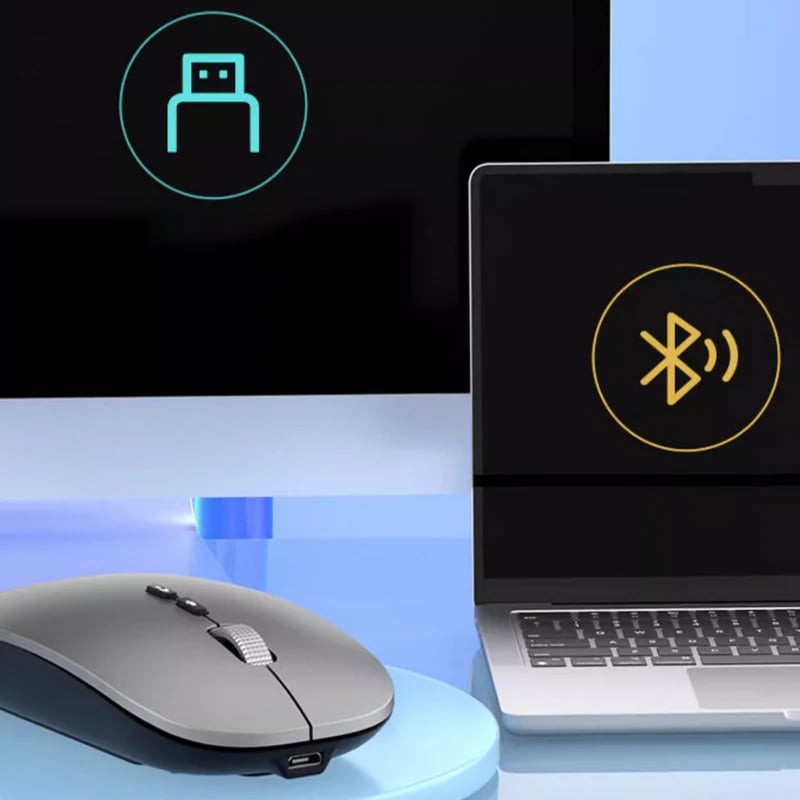
Switch between Bluetooth or USB receiver connection for flexible use with compatible laptops and desktop computers.
Voice ReadySpeak to type, search and translate
Dual WirelessBluetooth or USB receiver connection
ProductiveUseful for work, study and browsing
⚖️ Basic Mouse vs. AI Smart Voice Mouse
See how built-in voice and productivity functions can reduce extra steps during everyday computer use.
Basic Mouse
AI Smart Voice Mouse
×Typing every query manually
✓Voice typing & search
×Point-and-click only
✓Screenshot text & translation
×Single connection method
✓Bluetooth + USB receiver
×Standard cursor control
✓4K cursor + search button
🛠️ How It Office Works
Connect the mouse, activate the voice feature and use the smart controls as needed.
01 · Connect
Pair through Bluetooth or plug in the USB receiver on a compatible device.
02 · Speak or Click
Activate voice input, screenshot translation or the middle search button for your task.
03 · Office Work Faster
Use voice typing, translation, search and smooth cursor control in your daily workflow.
💻 Made for Everyday Digital Office Work
A practical fit for common situations where typing, searching and navigating happen all day.
Home Office
Study
Office Work
Daily Browsing
📦 Product Details
Key specifications provided for this Wireless AI Smart Voice Mouse.
Product Specifications
| Product Name | Wireless AI Smart Voice Mouse |
| Weight | 6 × 11.2 × 0.26 cm |
| Weight | 70 g |
| Connectivity | Bluetooth or USB Receiver |
| Cursor | 4K High Refresh Rate |
| Package Includes | 1 × Wireless AI Smart Voice Mouse |
Note: Voice control requires an internet connection. Battery life may vary by usage. For optimal use, confirm your device supports Bluetooth or USB receiver connectivity.
❓ Frequently Asked Questions
Quick answers about voice control, compatibility and everyday use.
How does the voice feature work?
Connect the mouse to your device, activate the voice function and start speaking. It can turn speech into text for typing, notes, searches and other daily tasks.
Is it compatible with my computer or laptop?
It is designed for common laptops and desktops. Check that your device supports wireless mouse connection and any required voice input software or app.
How accurate is the voice typing?
Accuracy can vary with speaking clarity, background noise, language settings and software connection. A quieter environment and clear speech can improve results.
How long does the battery last?
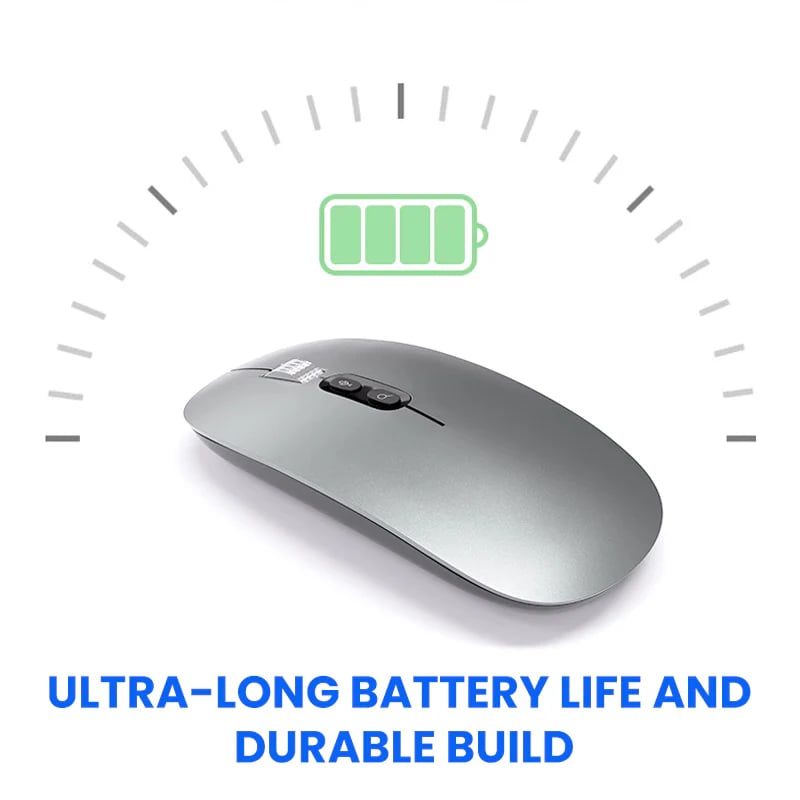
Battery life depends on usage habits, voice-feature use and standby time. The product is described as supporting long-lasting wireless use and can be recharged when needed.
Use It With Confidence
For best performance, use a compatible device and stable internet connection when accessing voice-control functions.
Ready to Make Everyday Computer Work Faster?
Bring voice typing, translation, search and smooth wireless navigation together in one smart mouse for work, study and daily browsing.
AI voice features · Dual wireless connection · Everyday productivity
-
Enjoy free shipping on orders over $50. Orders are processed within 1–3 business days and typically arrive within 7–15 business days.
-
We work with trusted international shipping partners to deliver orders worldwide.
-
Tracking information will be sent by email once your order ships, and you'll receive updates at key stages of transit until your package arrives.
Shop with confidence! We offer a 30-day return and exchange policy from the date you receive your order.
If you're not completely satisfied with your purchase, please contact our customer support team for assistance.
For return or exchange requests, please email us at support@householdchoose.com.
✨ Turn Your Voice Into Faster Everyday Actions
Type, translate, search and navigate with fewer clicks using AI-powered voice functions designed for work, study and daily browsing.
😣 Too Many Clicks, Too Much Repetitive Typing
When daily computer tasks pile up, switching between typing, translating and searching can slow your flow.
Why a Basic Mouse Can Feel Limiting
Traditional mice handle pointing and clicking, but they do not help with voice typing, quick translation or screenshot text extraction when you need to move faster.
🔥 Four Reasons It Stands Out
Four practical upgrades bring voice input, translation, fast navigation and flexible wireless connection into one device.
01
AI Smart Voice Control
Use voice typing, translation and internet search with support for 126 languages and recognition of 26 dialects.
02
One-Click Screenshot Translation
Capture a screenshot with one click to extract text or translate foreign-language content into your preferred language.
03
4K High-Refresh Cursor
Enjoy smooth, responsive cursor movement plus a dedicated middle search button for faster web access and everyday productivity.
04
Bluetooth + USB Connectivity
Switch between Bluetooth or USB receiver connection for flexible use with compatible laptops and desktop computers.
Voice ReadySpeak to type, search and translate
Dual WirelessBluetooth or USB receiver connection
ProductiveUseful for work, study and browsing
⚖️ Basic Mouse vs. AI Smart Voice Mouse
See how built-in voice and productivity functions can reduce extra steps during everyday computer use.
Basic Mouse
AI Smart Voice Mouse
×Typing every query manually
✓Voice typing & search
×Point-and-click only
✓Screenshot text & translation
×Single connection method
✓Bluetooth + USB receiver
×Standard cursor control
✓4K cursor + search button
🛠️ How It Office Works
Connect the mouse, activate the voice feature and use the smart controls as needed.
01 · Connect
Pair through Bluetooth or plug in the USB receiver on a compatible device.
02 · Speak or Click
Activate voice input, screenshot translation or the middle search button for your task.
03 · Office Work Faster
Use voice typing, translation, search and smooth cursor control in your daily workflow.
💻 Made for Everyday Digital Office Work
A practical fit for common situations where typing, searching and navigating happen all day.
Home Office
Study
Office Work
Daily Browsing
📦 Product Details
Key specifications provided for this Wireless AI Smart Voice Mouse.
Product Specifications
| Product Name | Wireless AI Smart Voice Mouse |
| Weight | 6 × 11.2 × 0.26 cm |
| Weight | 70 g |
| Connectivity | Bluetooth or USB Receiver |
| Cursor | 4K High Refresh Rate |
| Package Includes | 1 × Wireless AI Smart Voice Mouse |
Note: Voice control requires an internet connection. Battery life may vary by usage. For optimal use, confirm your device supports Bluetooth or USB receiver connectivity.
❓ Frequently Asked Questions
Quick answers about voice control, compatibility and everyday use.
How does the voice feature work?
Connect the mouse to your device, activate the voice function and start speaking. It can turn speech into text for typing, notes, searches and other daily tasks.
Is it compatible with my computer or laptop?
It is designed for common laptops and desktops. Check that your device supports wireless mouse connection and any required voice input software or app.
How accurate is the voice typing?
Accuracy can vary with speaking clarity, background noise, language settings and software connection. A quieter environment and clear speech can improve results.
How long does the battery last?
Battery life depends on usage habits, voice-feature use and standby time. The product is described as supporting long-lasting wireless use and can be recharged when needed.
Use It With Confidence
For best performance, use a compatible device and stable internet connection when accessing voice-control functions.
Ready to Make Everyday Computer Work Faster?
Bring voice typing, translation, search and smooth wireless navigation together in one smart mouse for work, study and daily browsing.
AI voice features · Dual wireless connection · Everyday productivity
Why We're The Best...

Free Shipping Over $50

Safe & Secure Checkout

Hassle-Free Returns

100% Money-Back
There's More To See
Example product title
- $38.99 USD
$39.99 USD- $38.99 USD
- Unit price
- per
Example product title
- $38.99 USD
$39.99 USD- $38.99 USD
- Unit price
- per
Example product title
- $38.99 USD
$39.99 USD- $38.99 USD
- Unit price
- per
Example product title
- $38.99 USD
$39.99 USD- $38.99 USD
- Unit price
- per
Example product title
- $38.99 USD
$39.99 USD- $38.99 USD
- Unit price
- per
Example product title
- $38.99 USD
$39.99 USD- $38.99 USD
- Unit price
- per
Example product title
- $38.99 USD
$39.99 USD- $38.99 USD
- Unit price
- per
Example product title
- $38.99 USD
$39.99 USD- $38.99 USD
- Unit price
- per
Example product title
- $38.99 USD
$39.99 USD- $38.99 USD
- Unit price
- per
Example product title
- $38.99 USD
$39.99 USD- $38.99 USD
- Unit price
- per
Recently Viewed Products
Example product title
- $38.99 USD
$39.99 USD- $38.99 USD
- Unit price
- per
Example product title
- $38.99 USD
$39.99 USD- $38.99 USD
- Unit price
- per
Example product title
- $38.99 USD
$39.99 USD- $38.99 USD
- Unit price
- per
Example product title
- $38.99 USD
$39.99 USD- $38.99 USD
- Unit price
- per
Example product title
- $38.99 USD
$39.99 USD- $38.99 USD
- Unit price
- per
Example product title
- $38.99 USD
$39.99 USD- $38.99 USD
- Unit price
- per
Example product title
- $38.99 USD
$39.99 USD- $38.99 USD
- Unit price
- per
Example product title
- $38.99 USD
$39.99 USD- $38.99 USD
- Unit price
- per
Example product title
- $38.99 USD
$39.99 USD- $38.99 USD
- Unit price
- per
Example product title
- $38.99 USD
$39.99 USD- $38.99 USD
- Unit price
- per

- Choosing a selection results in a full page refresh.


